A wheel from cardboard
Sketch a circle, cut out a wheel with a solid center, and tape the phone securely to the middle. Keep it flat and leave the rim clear for your hands. What size feels good to hold?
 Let's play
 Pinewood Drive / Setting it up
A drive through the forest can begin with a sketch on the kitchen table. Think together about what would make turning the wheel feel like your own little adventure.
A few places to start ↓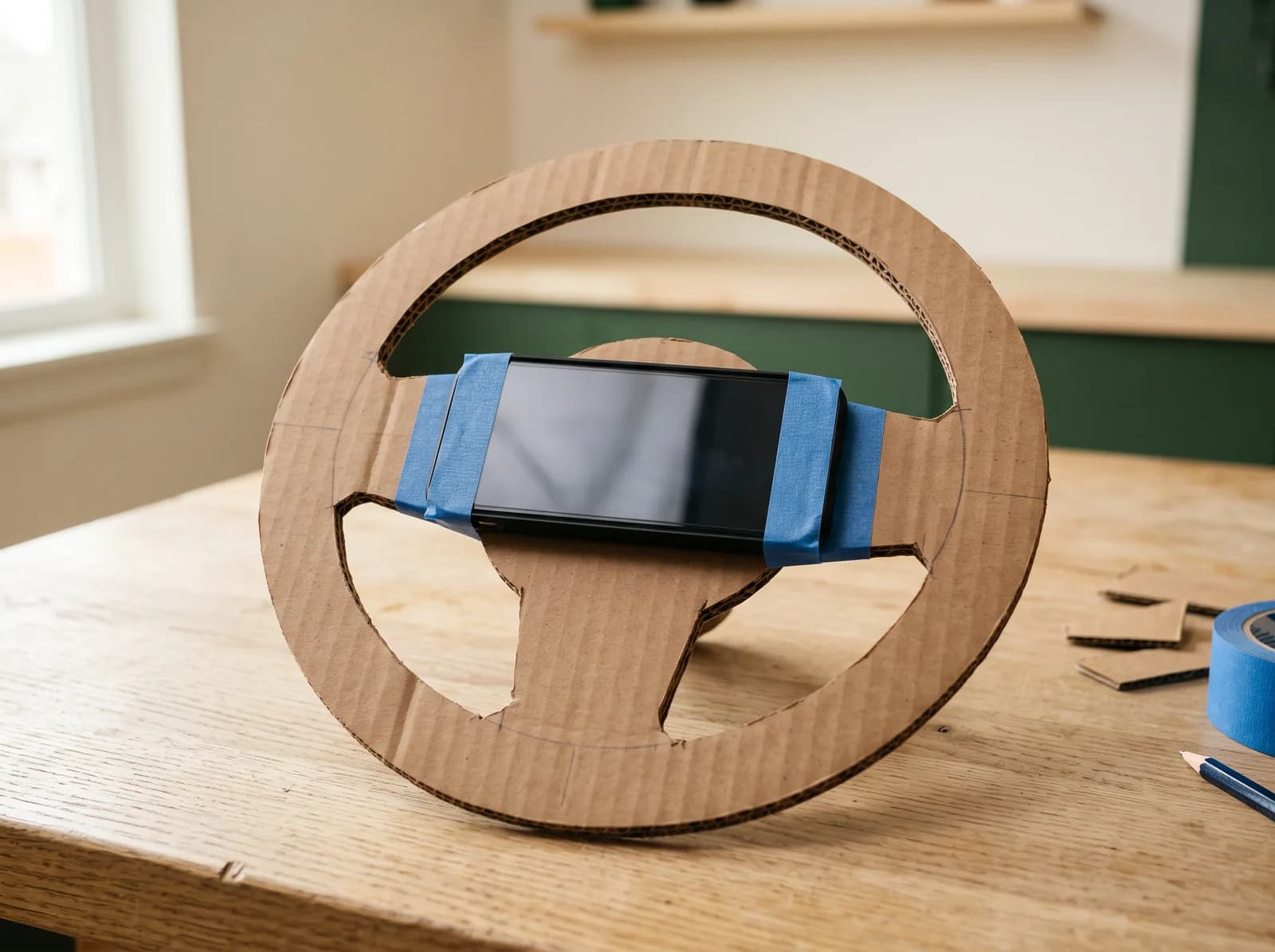
Sketch it. Try it. Change it.
Sketch a circle, cut out a wheel with a solid center, and tape the phone securely to the middle. Keep it flat and leave the rim clear for your hands. What size feels good to hold?
An old toy dashboard or ride-on car could become your cockpit. Tape the phone to its steering wheel so they turn together. What else could you add to your pretend car?
Hold the phone in both hands and turn it like a wheel. You can start here, then decide together what you’d like to build for the next drive.
More things to try
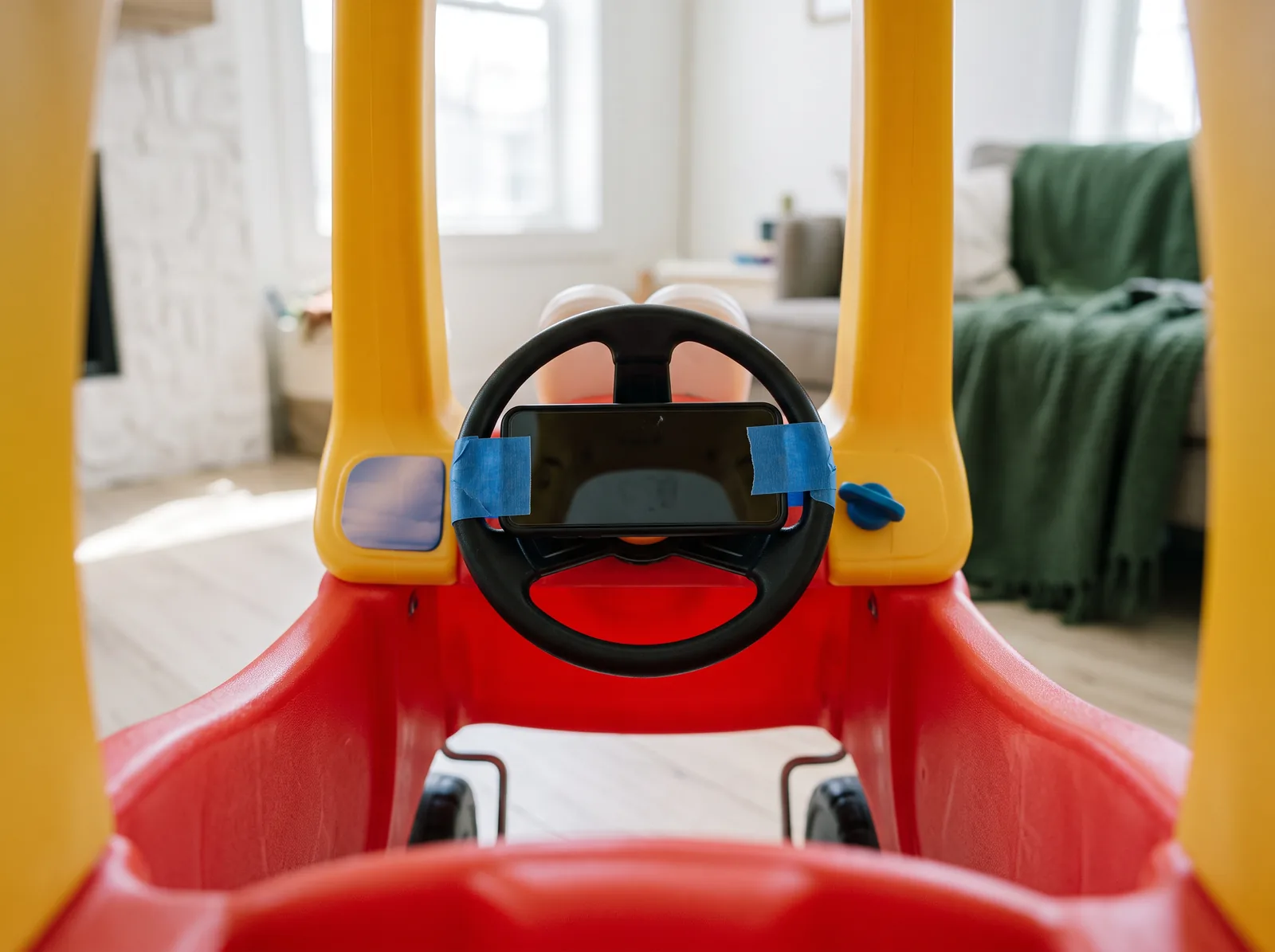
Give a ride-on toy a new adventure. Attach the phone to the steering wheel so they turn together.
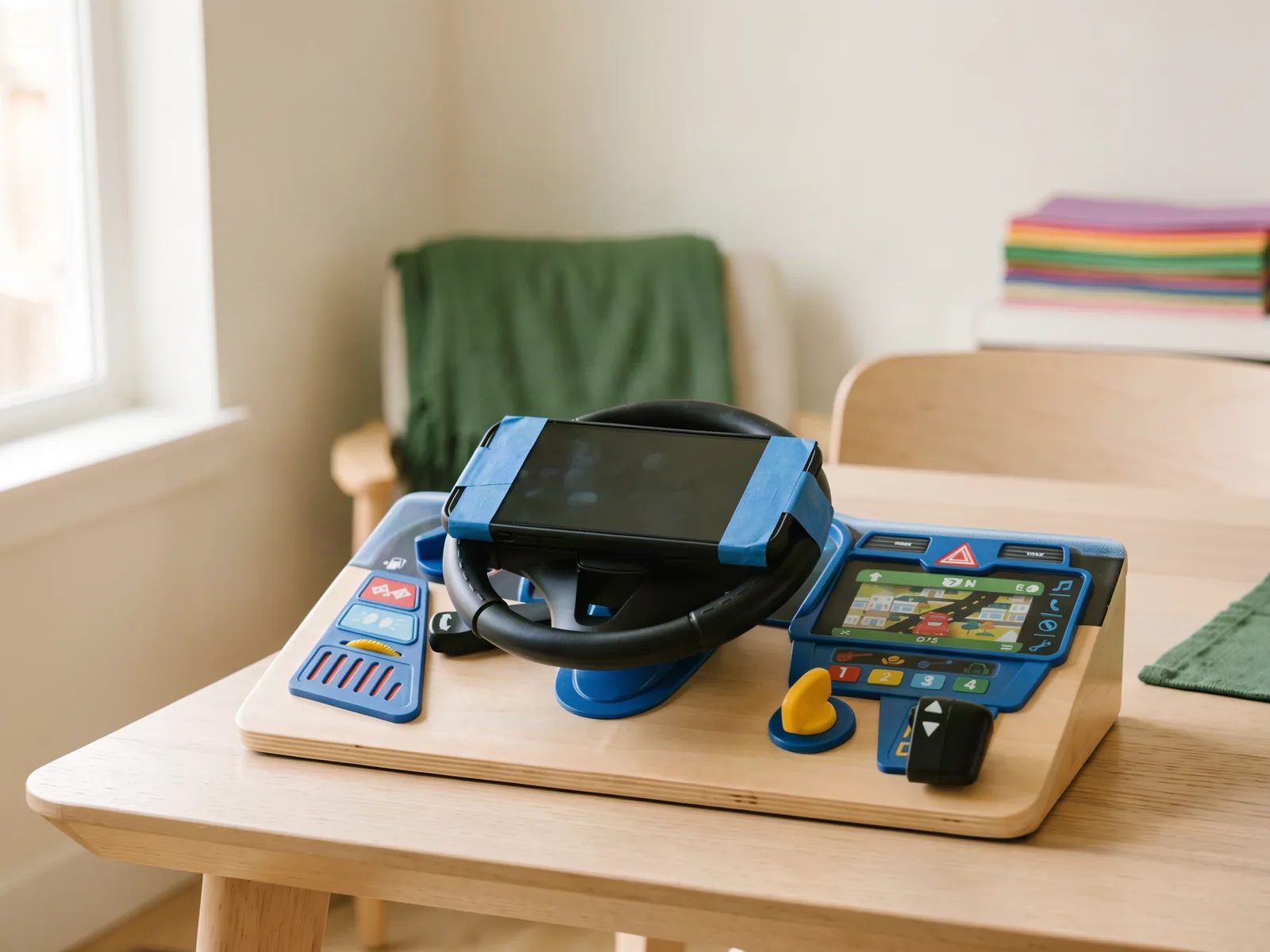
Tape the phone to the moving wheel of a toy dashboard. Leave room for your hands around the rim.
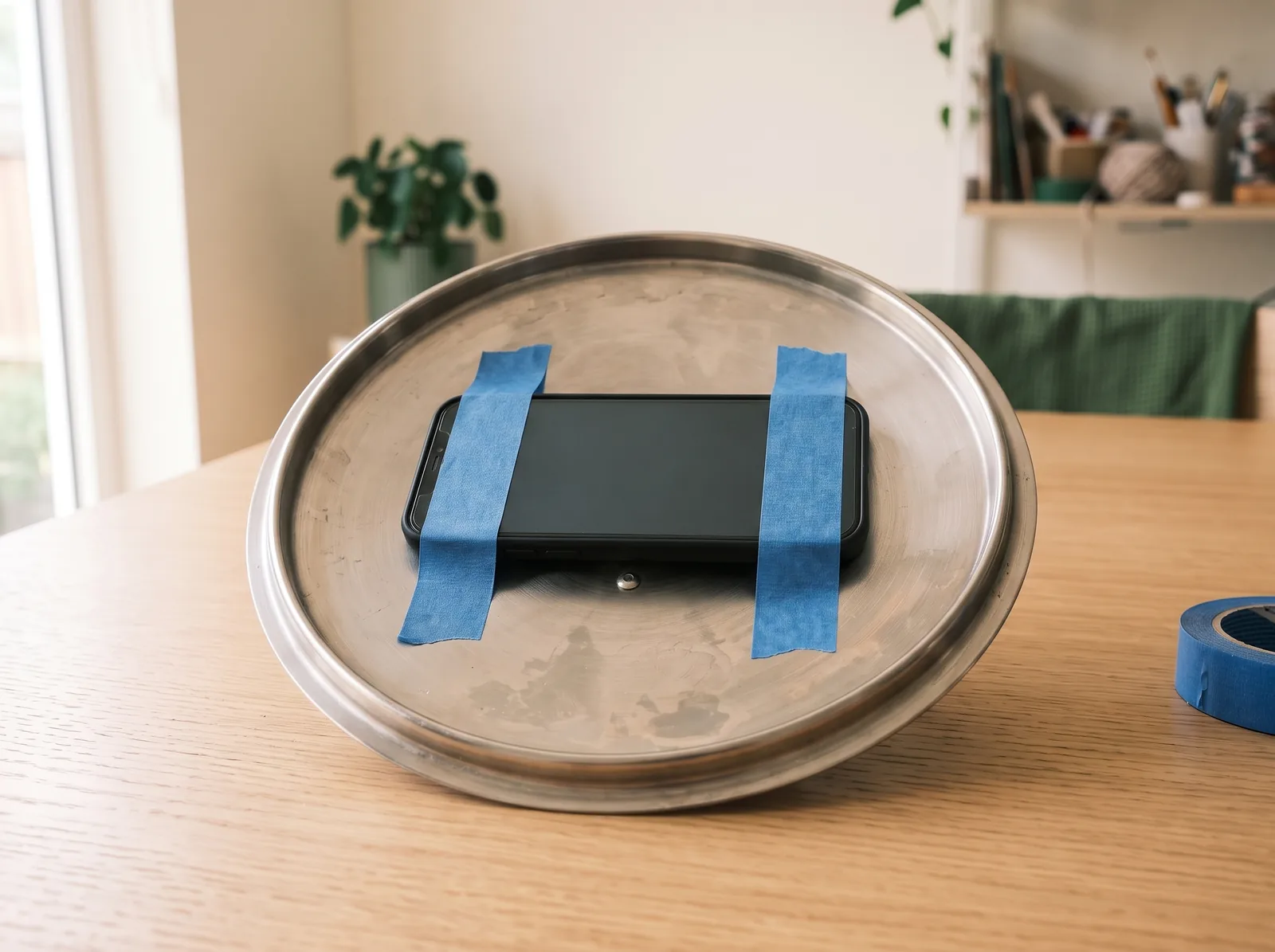
Try a clean, cool pot lid with the phone taped to its inside. Can you find a comfortable grip?
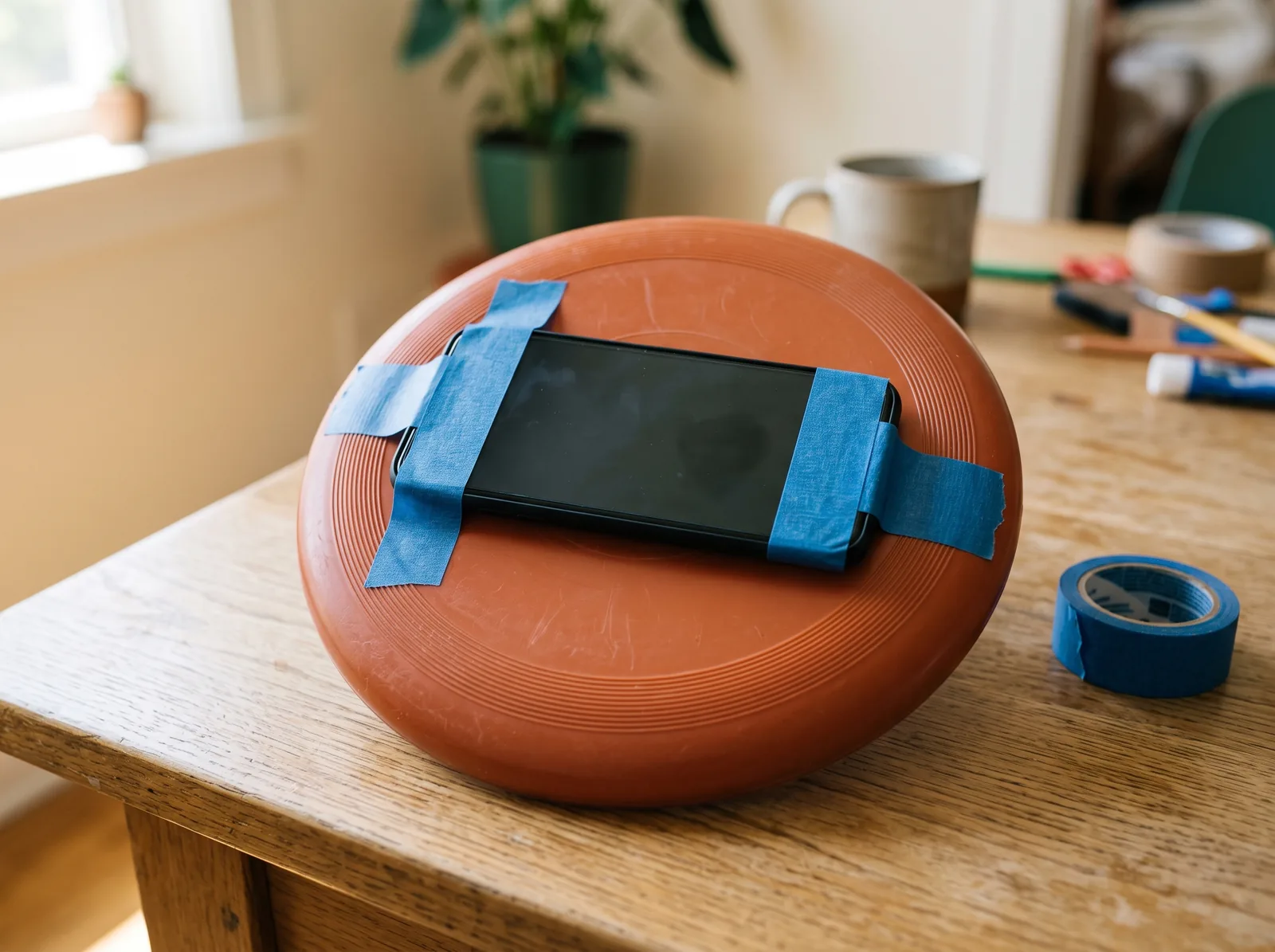
A flying disc can steer, too. Secure the phone in the middle and see how it feels to turn.
Make room for the story
Line up a couple of chairs. Choose a driver and a navigator. Pack a pretend picnic for the delivery. Where are you going, and what will you bring?
Turn your wheel gently in both directions. Does the phone stay put? Can you still reach its controls? Try it, change something, and try again.
A grown-up should handle cutting and help secure the phone. Keep the phone’s controls accessible and give your pretend car room to turn.
02 / Play
Bring a bigger screen and a companion phone.
Use a desktop, laptop, or tablet. For a TV, connect a computer and open the game there.
Scan the QR code on the game screen. Keep both screens open.
Follow the wheel setup on your phone, allow motion when asked, and center your wheel to calibrate. Choose the driving controls that suit your setup.
Come back to your build whenever a new idea strikes.